

Send messages, track proposals, log notes, and see the complete relationship story with every client — from the first inquiry to the final payment. Not a bolted-on chat. A real CRM communication layer.
Everything you need, nothing you don't.
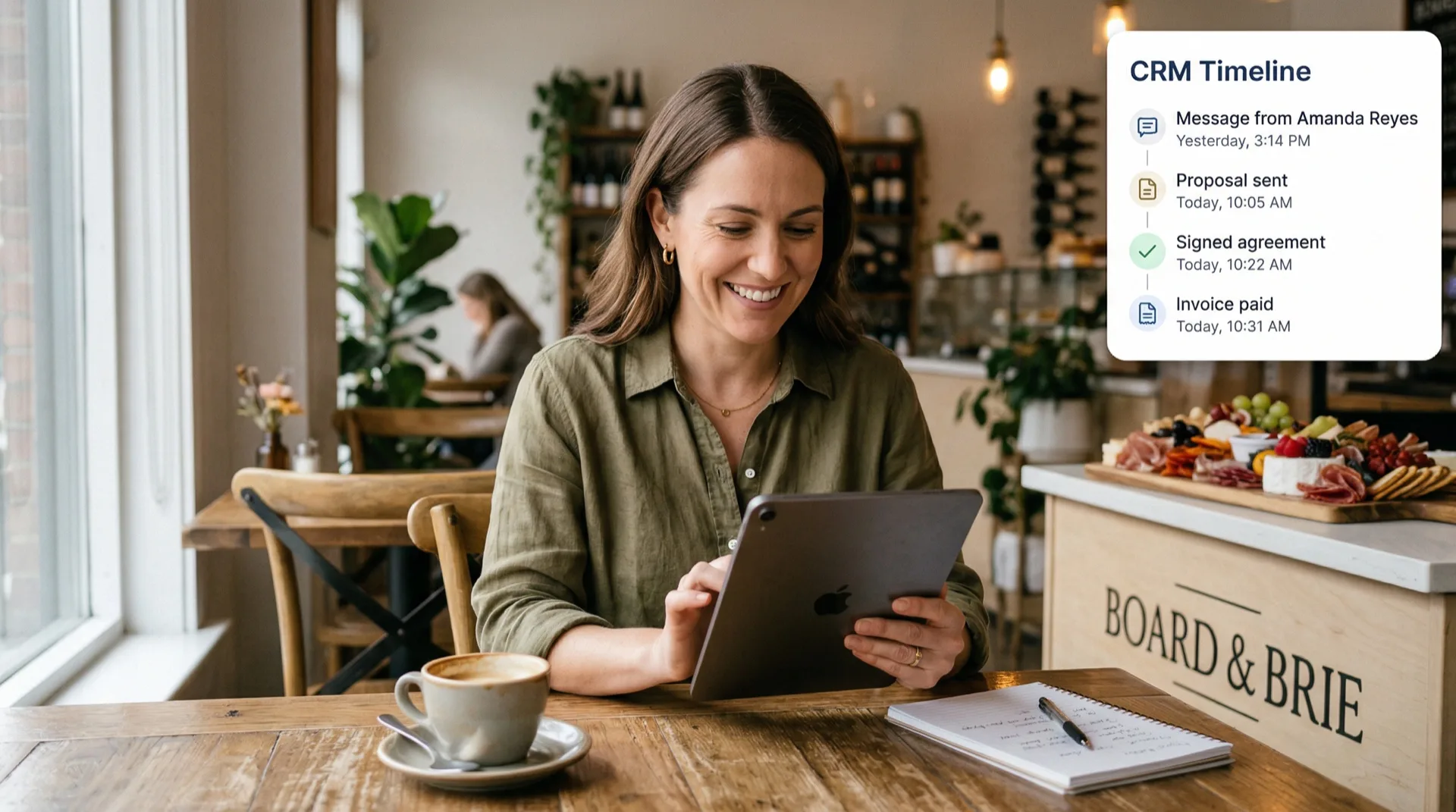
Every interaction with a client in one chronological stream. Messages, proposal sent, contract signed, invoice paid — all in one view. No more piecing together the story from five different places.
Conversations on the left, the timeline on the right. Click a client to see their full history — messages interleaved with business events. Like HoneyBook, but with your entire workflow built in.
Clients reply to your emails and the response lands right back in the platform. No lost threads, no switching between Gmail and your business tools. The conversation stays in one place.
Add notes to any client timeline — "Called Jane, confirmed 150 guests" or "Waiting on venue confirmation." Notes are private, never seen by clients, and searchable.
Save and reuse templates for common messages — follow-up after inquiry, thank you for booking, payment reminder. Insert with one click, merge fields auto-fill client details.
Bold, italic, lists, and links — right in the compose area. No more plain-text emails that look like afterthoughts. Your messages look as professional as your proposals.
See unread message counts in your navigation, on client cards, and in the conversation list. Never miss a client reply. Mark as unread to come back to it later.
The AI assistant can draft messages, compose follow-ups, and suggest responses based on your conversation history and business context. You review and send — the AI never sends on your behalf.
See how your industry uses this feature day-to-day.
Yes. When you send a message from Clearmargin, the client receives a normal email. When they reply, the response is routed back into the platform and appears in the conversation timeline. The client never needs to log in.
No. The AI drafts and suggests — you always review and click send. Client communications are too important to delegate to AI. This is an intentional design decision.
Everything. Proposal sent, agreement signed, invoice paid, questionnaire completed, inquiry received — over 25 event types are tracked automatically. Messages are interleaved with these events to tell the complete story.
Yes. Configure a custom sending domain in Settings → Email Domain. Your messages will come from your domain instead of the default Clearmargin domain. DKIM and SPF verification are built in.
No — it works alongside email. Messages are delivered as emails and replies route back in. Think of it as email with superpowers: conversation history, business context, templates, and a timeline that ties everything together.


